Step 1 : For Windows: https://www.iptvsmarters.com/download?download=windows_app And Install the Application IPTV Smarters Pro
For Mac: https://www.iptvsmarters.com/download/?download=mac And Install the Application IPTV Smarters Pro
Step 2 : Login to the application with your subscription details ( Get details from your service provider)
Great! You now have the IPTV Smarters app
When you run the IPTV Smarters app for the first time, Terms of Use will be the first window. Scroll down and click Accept.
We recommend setup via Xtream Codes API because you will have the Catchup feature this way and also do not need to add any EPG URL (it will load automatically).
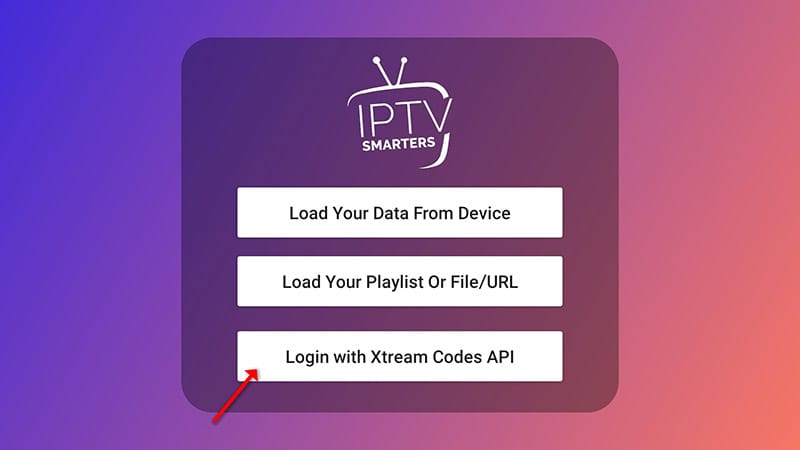
Open the app once downloaded and click on “Add user” then click on “Login with Xtream Codes API“
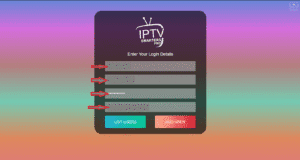
In this step, in the first box, select any name you want for example “4K Live IPTV”. On the second and third boxes, enter the “Username” and the “Password” and the server URL that we sent you via Whatsapp or Email or Chat
Now Click on “ADD USER” to proceed to the next section.